Add the IranMall web app to your phone's home screen.
Open Chrome’s three-dot menu.
Choose Install and create shortcut. Some versions call it Add to home screen.
If two options appear, Install installs the web app and Create shortcut adds a shortcut. Complete the final confirmation.
Open your browser’s Share menu.
Choose Add to Home Screen. If it is unavailable, open this site in Safari.
If Open as Web App appears, enable it, then tap Add.
Open the browser menu. Inside another app, first choose Open in browser.
Look for Install app, Add to home screen or Create shortcut. The label depends on your browser and version.
Complete the confirmation. If none is available, open the site in Chrome on Android or Safari on iPhone.
Got it
En
فا
Ar
Shopping
Filters (
359
)
What kind of place are you looking for?
Furniture & Decoration
Home & Kitchen Appliances
Home Accessories
Clothing
Silver, Fashion Jewelry & Gemstones
Supermarket
Perfume, Cologne & Cosmetics
Bags & Shoes
Fashion Accessories
Gifts & Birthday Supplies
Gold, Jewelry & Watches
Mobile Phones & Electronics
Bedding
Toys
Tobacco Products
Sportswear & Sporting Goods
Bookstore & Stationery
Handicrafts
Eyewear & Accessories
Travel & Camping Supplies
Musical Instruments & Equipment
Cars & Motorcycles
Flowers and plants
Choose a floor
Floor
G0
Floor
G0M
Floor
G1
Floor
G1M
Floor
G2
Floor
G3
Floor
RF
Floor
RFM
Floor
RG
Floor
GL
Floor
P1
Clear all
Apply filters
Farda Motors
5
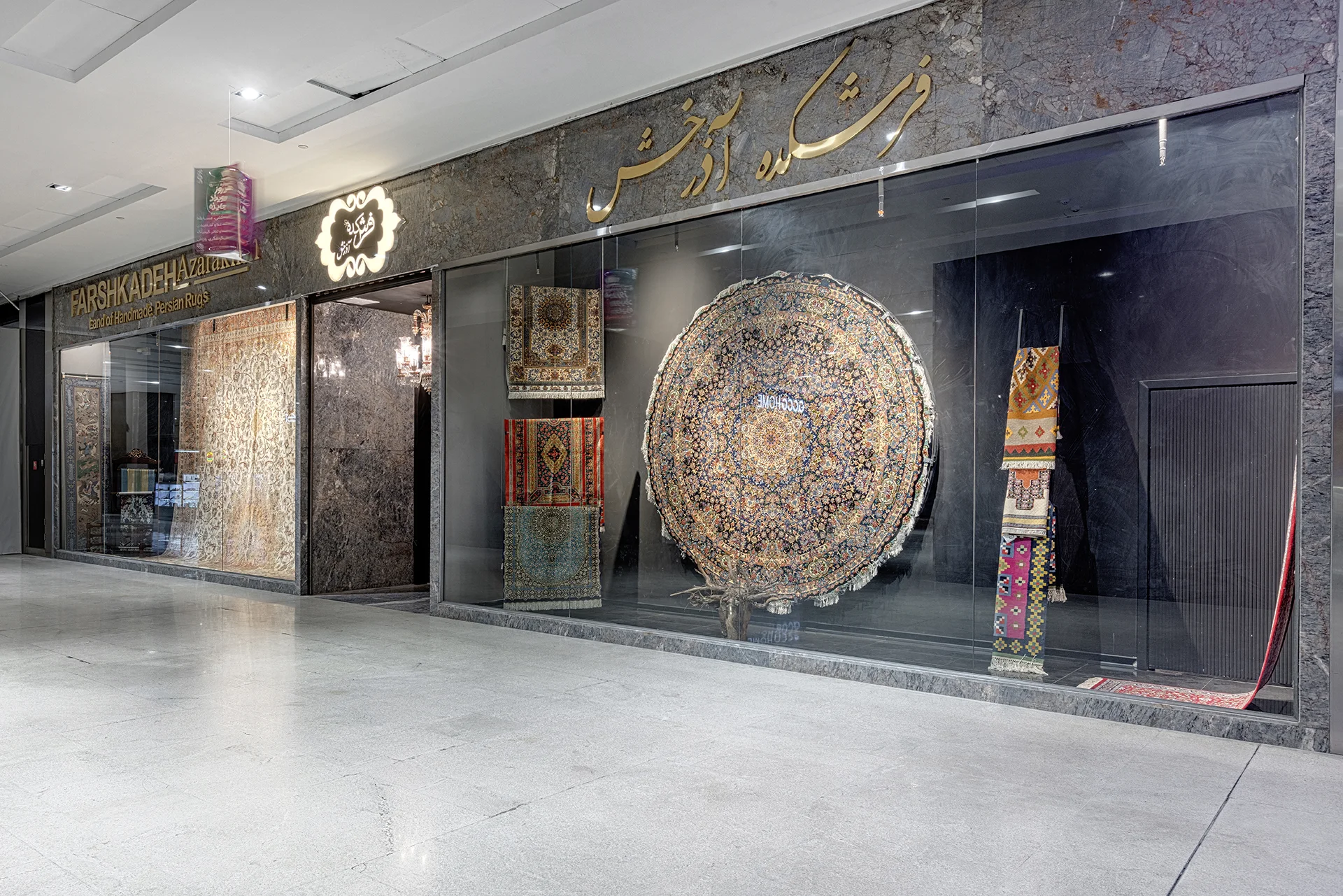
Farsh-e Azarakhsh
5
Farvili
5
Fater
5
Firoozeh Neyshabur
5
First Man
5
Forest Mobl
5
G Club
5
Geox
5
Ghabileh
5
Giordan
5
Givany Home
5
Golabatoon
5
Green House
5
Green MG
5
Gunesh
5
Home
Services
My parking
Search
Profile
Menu